Callsign
Callsign is here: a page of your own at cloudbase.day/@you, free for good, where people can write to you and, with the full app, ask for a call. Your page grows up with it: your own look, by day and by night, an airport and a local clock, and an away line that comes down by itself. Also new: a thought caught in the Inbox without leaving your page, time logged the moment you tick a task, a note that can move to the Kneeboard, and a sidebar you can tuck away.
Callsign
Claim a handle and get a page at cloudbase.day/@you, free and with no trial. People write to you there, and their notes land in your room, not a list. Callsign is in beta: "Something's off?" in the menu sends me a note.
Your page, your way
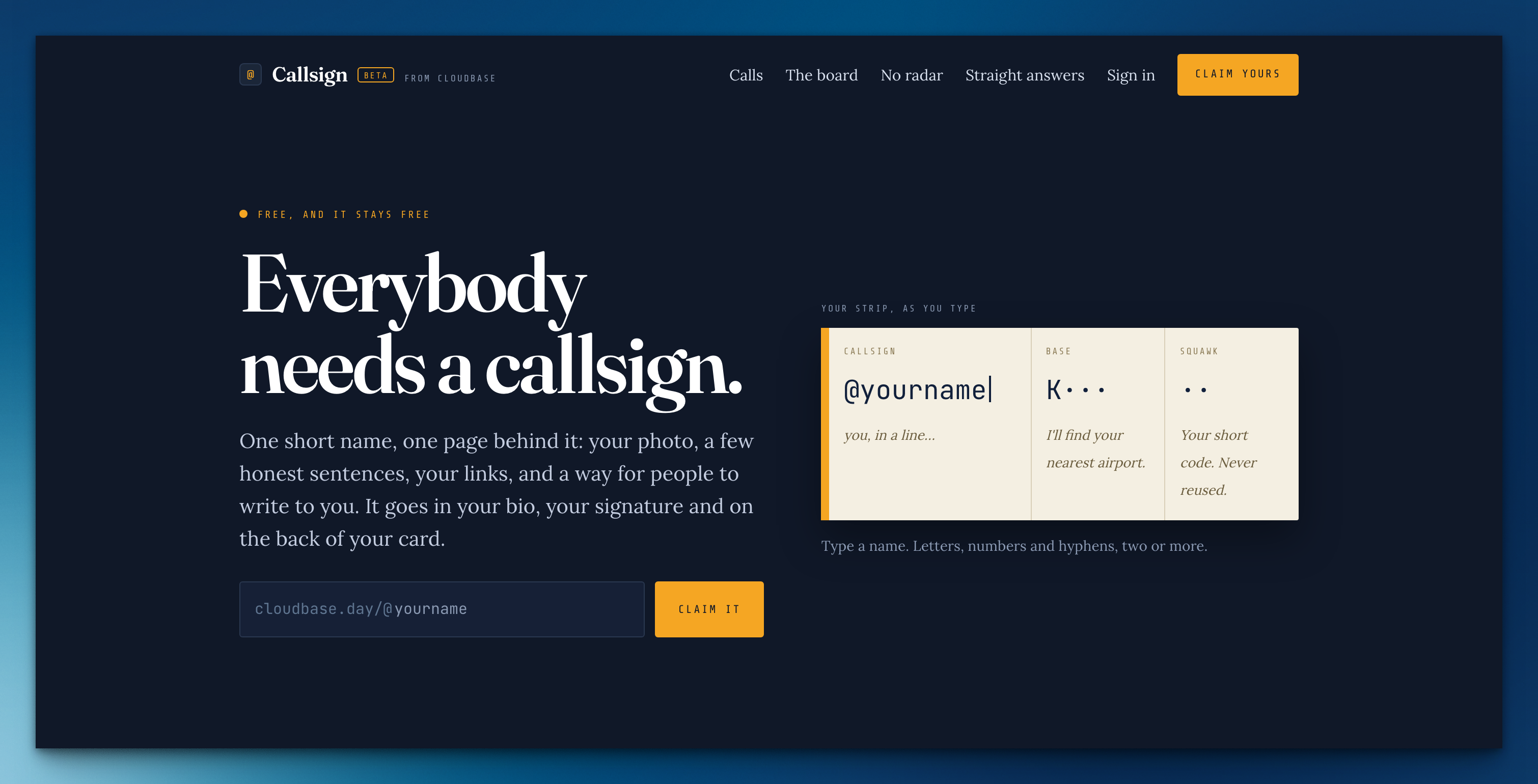
Pick Card, Sheet or Squawk, a color and type, and links in the order you want. You can paste a little CSS of your own, too. The preview beside the fields shows it as people will see it.
Day and night
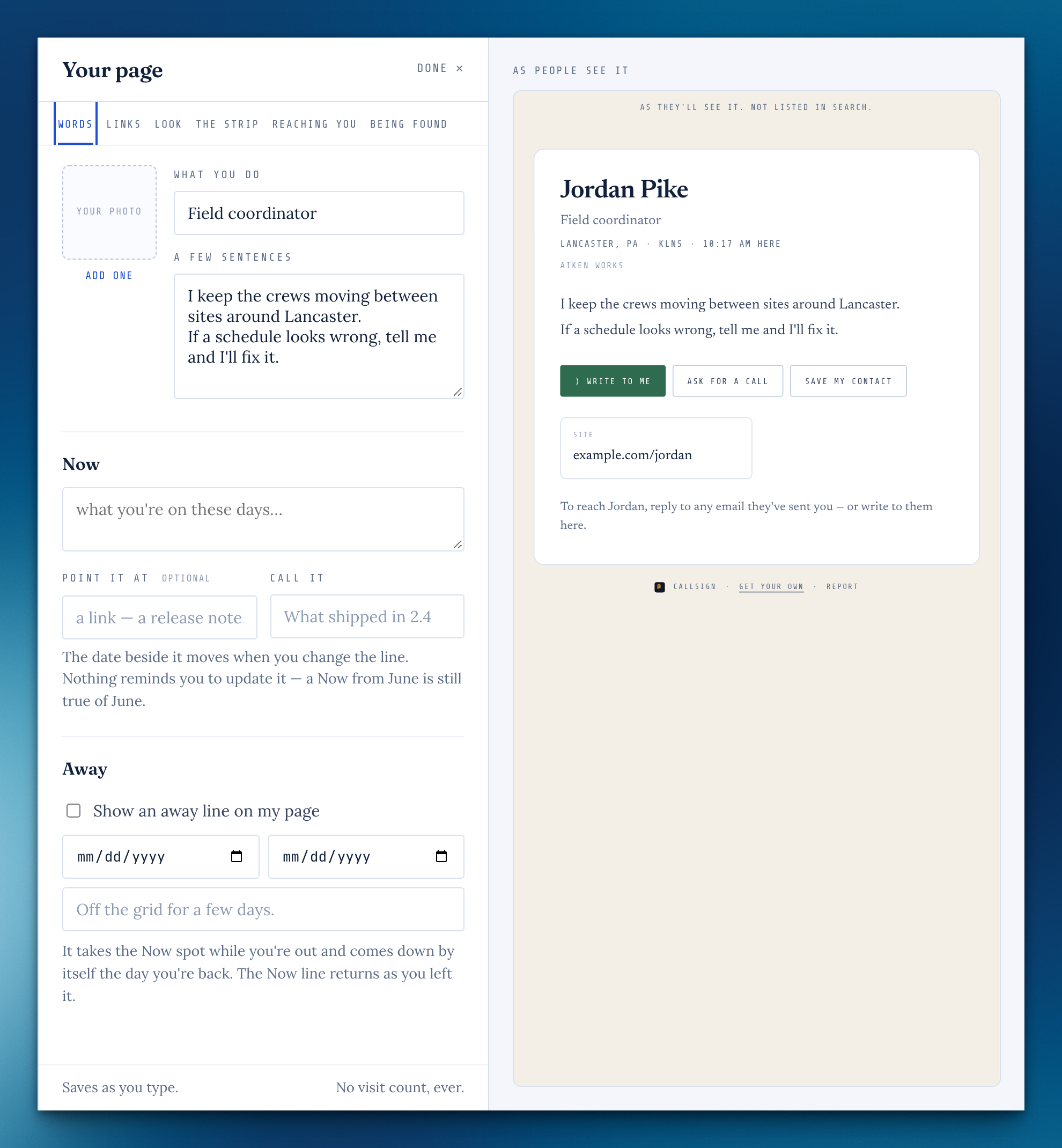
Your page follows each visitor's device, so someone in dark mode sees it dark, with your color lifted until it's easy to read. You can pin it to Always day or Always night instead.
First Flight
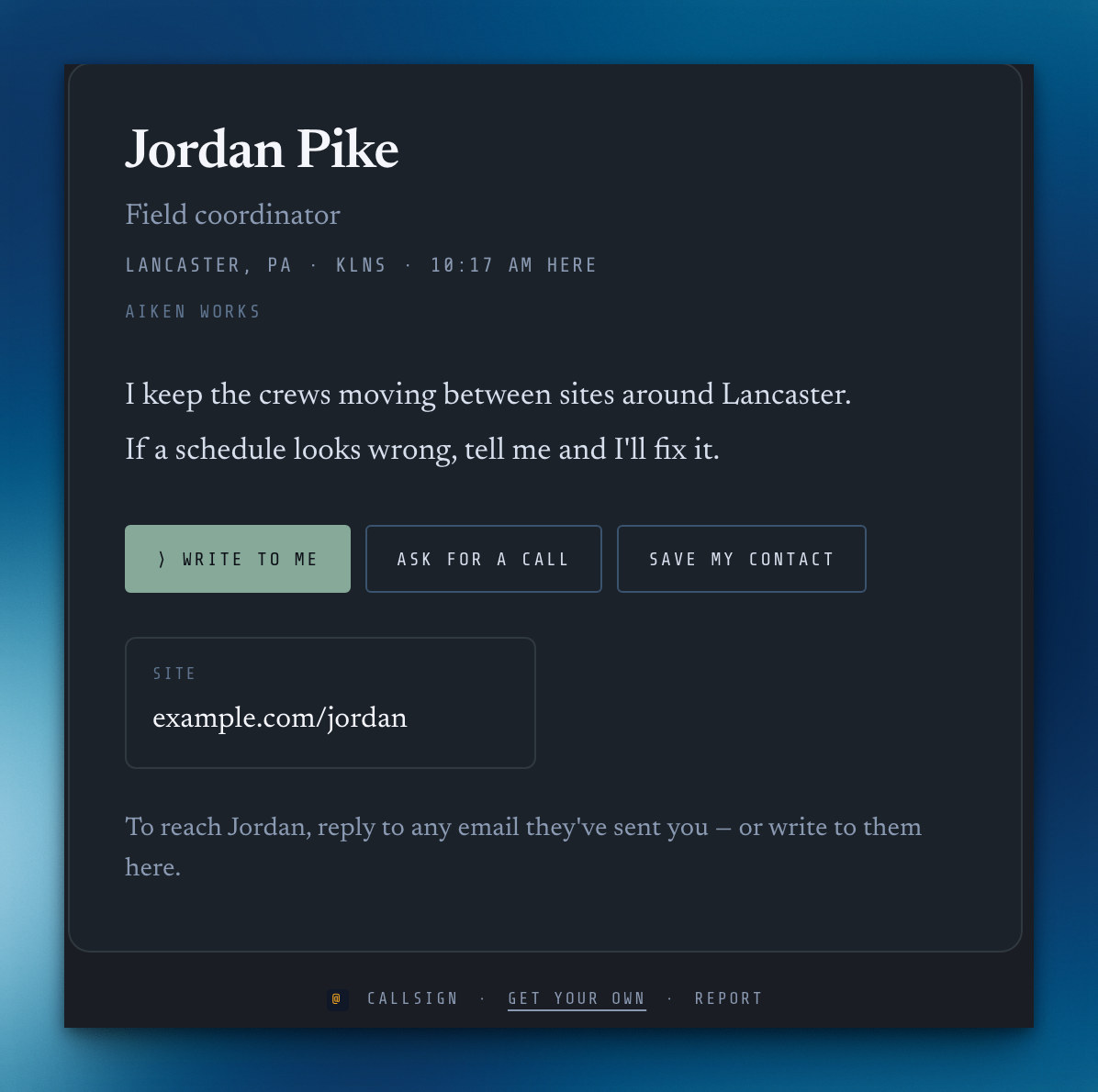
If you came aboard during the beta, your page can wear the beta crew's edition: the Squawk strip at night, with your month aboard and a Test pilot cell. It's yours to keep, for good.
The strip
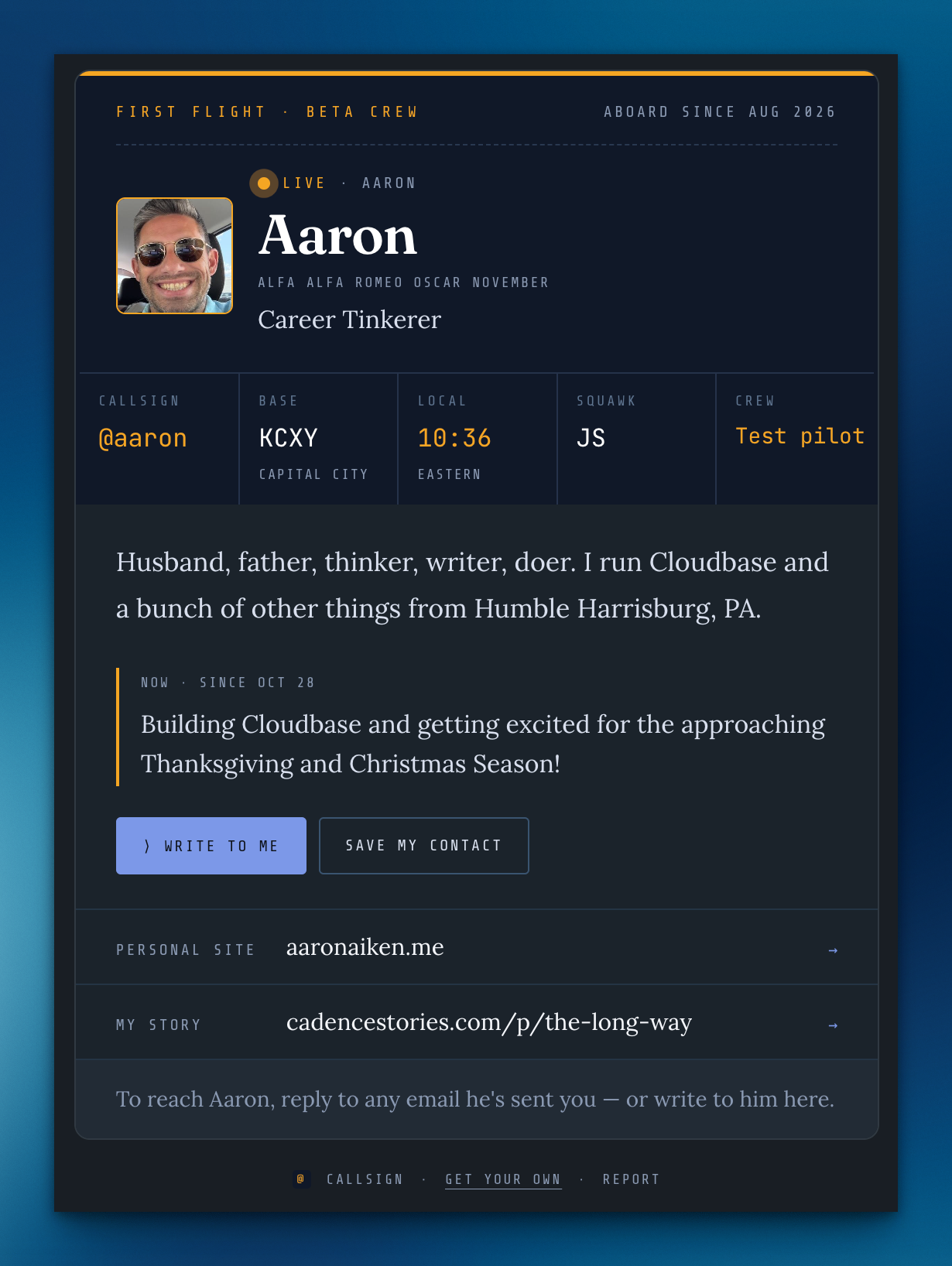
Show your home airport, your local time, your squawk code and how it's spelled out, each with its own switch. Find your airport by ZIP; the ZIP is never kept.
Ask for a call
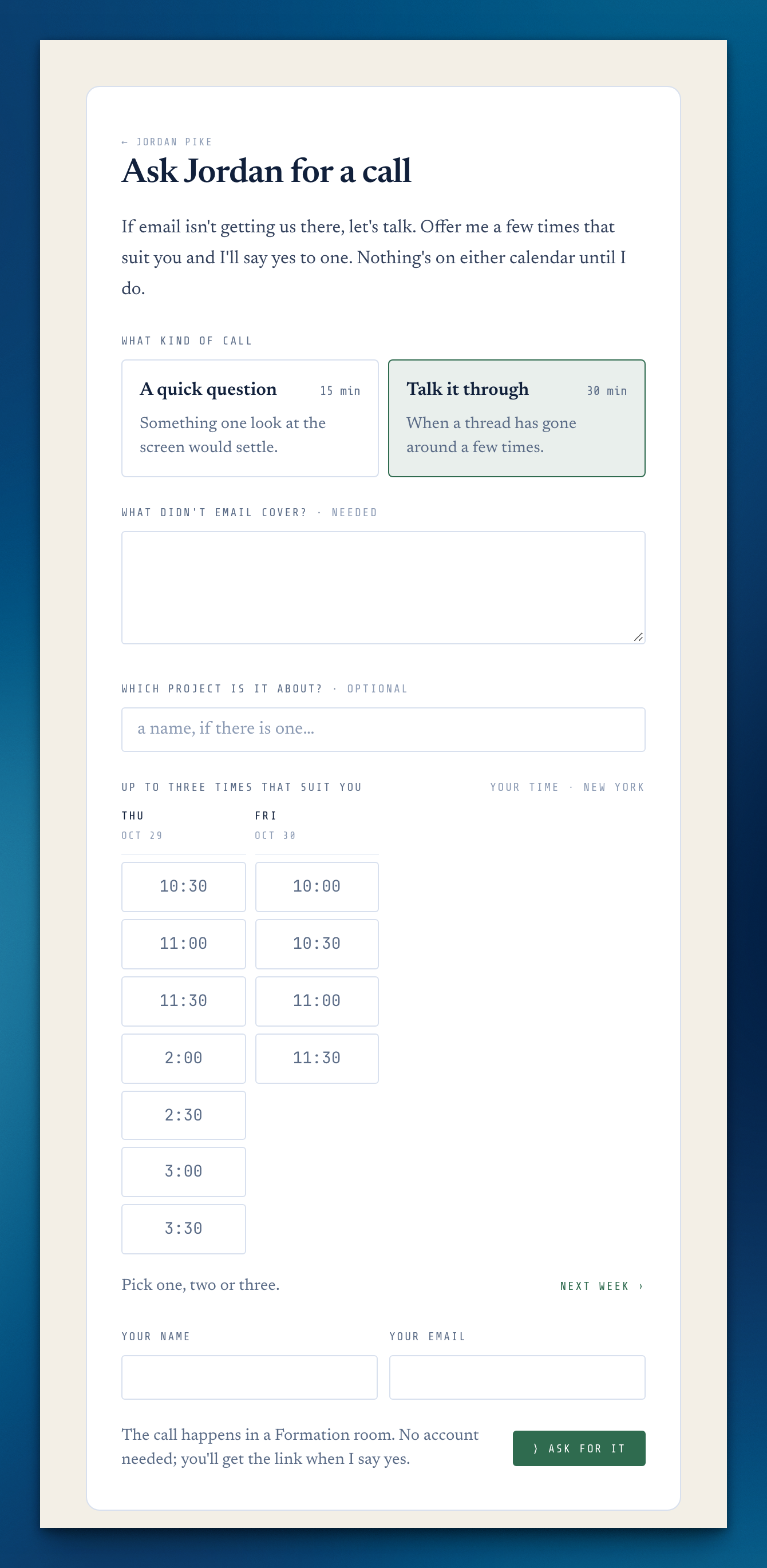
With the full app, people can ask for a call from your page. They offer up to three times from the hours you keep open, and lunch and the timed parts of your day are never offered. A yes makes the Formation room (or uses whatever link the call happens at) and sends one invite.
Away
Set the days you're out and one line. It takes the Now spot on your page and comes down by itself the day you're back.
The board
Choose to be listed by your home airport on the Callsign board, and search it as you type. It's off until you turn it on, and it comes down the moment you switch it off.
The placard
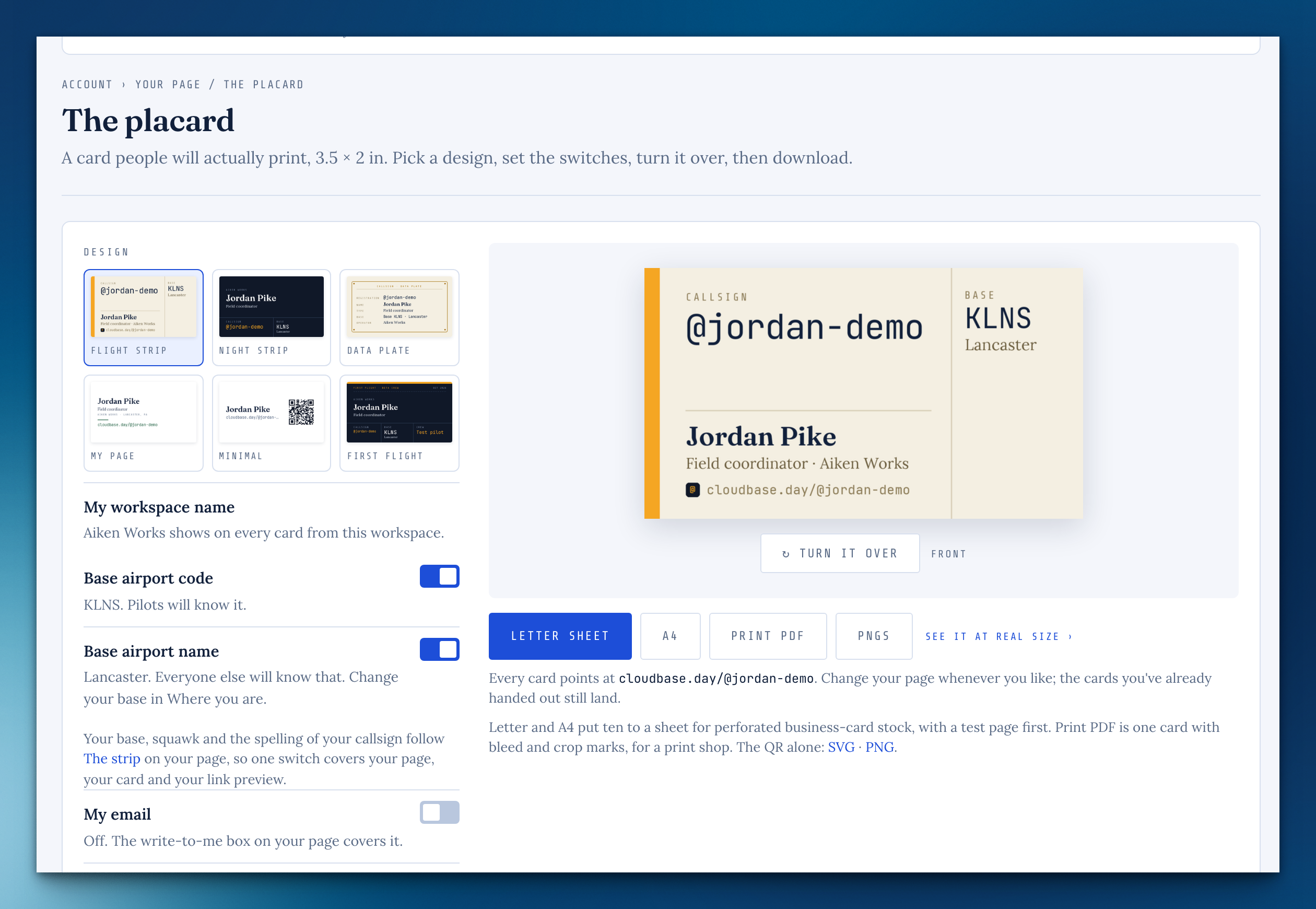
Print cards with your callsign: five card stocks, the back with your QR code, a test page to check your printer, and sheets for your whole team.
Catch it in the Inbox
In Direct-to, type a thought and press ⌘↩. It's a task in your Inbox and you stay right where you were, with Undo. Add #project to file it there instead.
Time when you tick
Tick a task with no time on it and it offers 15m, 30m, 1h or your own number right on the row. This works on rhythms and on Today in the Cockpit too.
→ The Kneeboard
A note you only need for now can go on the Kneeboard, from its foot or from a detached note. It comes off its task and clears on its own, and Undo puts it right back.
Hide the sidebar
Press « beside your workspace's name, or ⌘, and the work takes the full width. It stays that way until you bring it back.
Replies light up
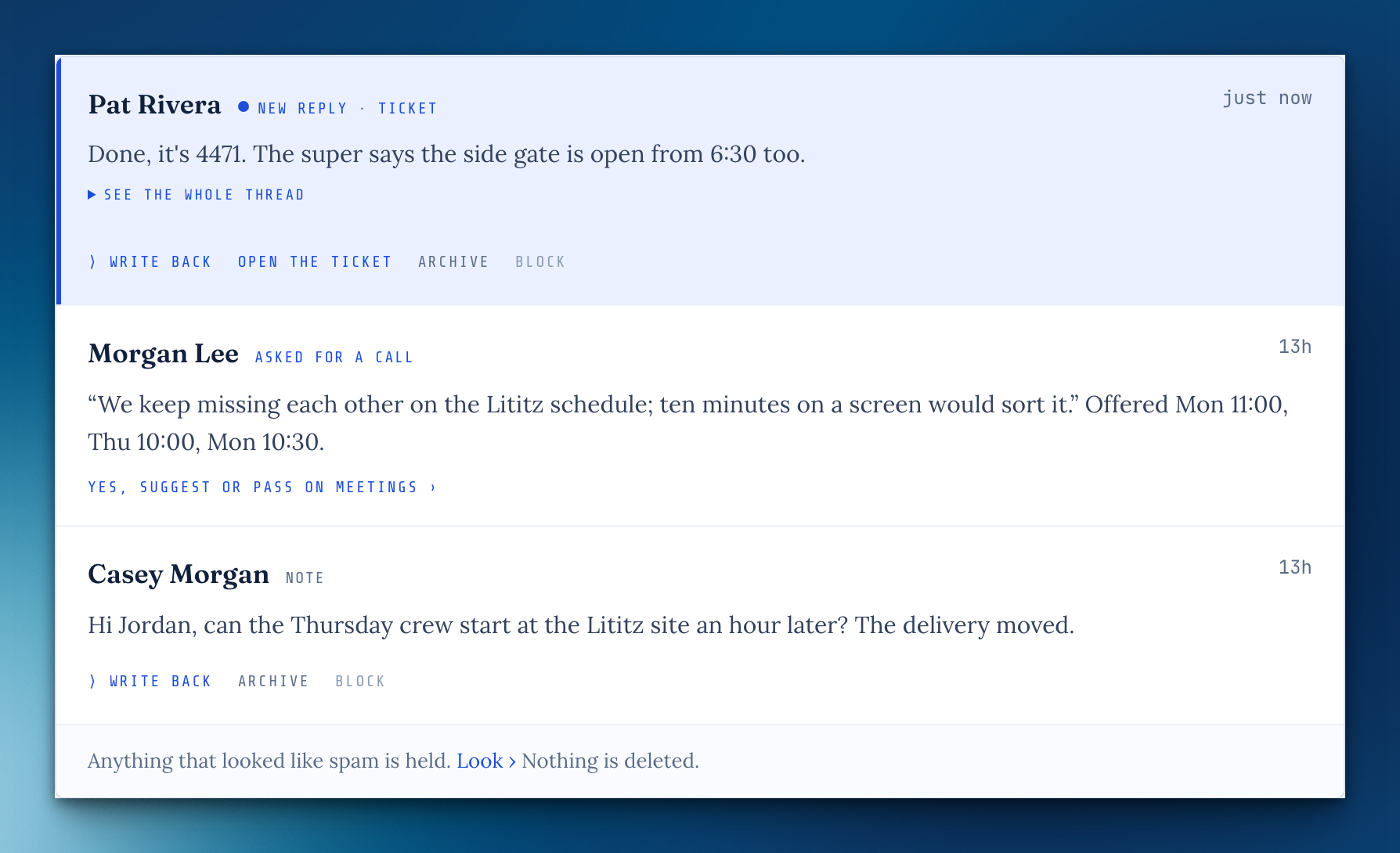
When someone writes back, their note moves to the top of your room showing their reply, and Callsign in the sidebar gets a dot until you've looked.
Any color, really
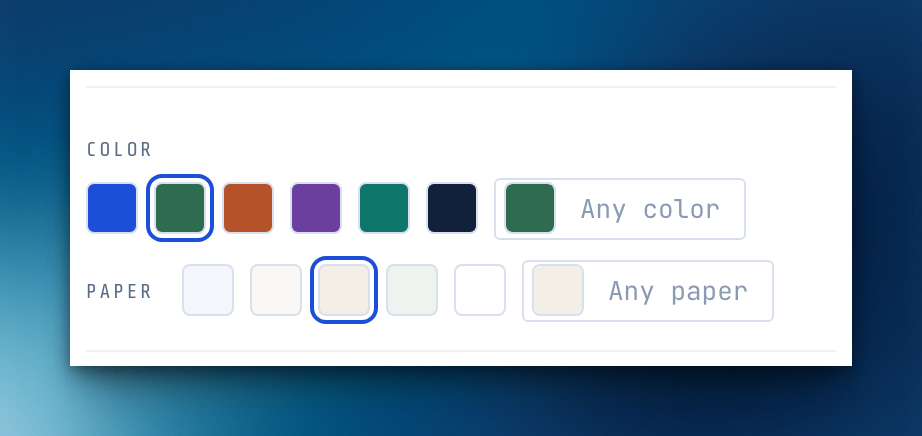
Color and Paper each have a color well, so you can pick any shade, not just the swatches. A paper that makes your words hard to read says so.
Micro.blog
It's in the list of handles you can show on your page.
Hide your workspace
If you own a workspace, a switch on the strip keeps its name off your card and page.
On a phone, your card is the page
No frame around it: your page fills the screen, edge to edge.
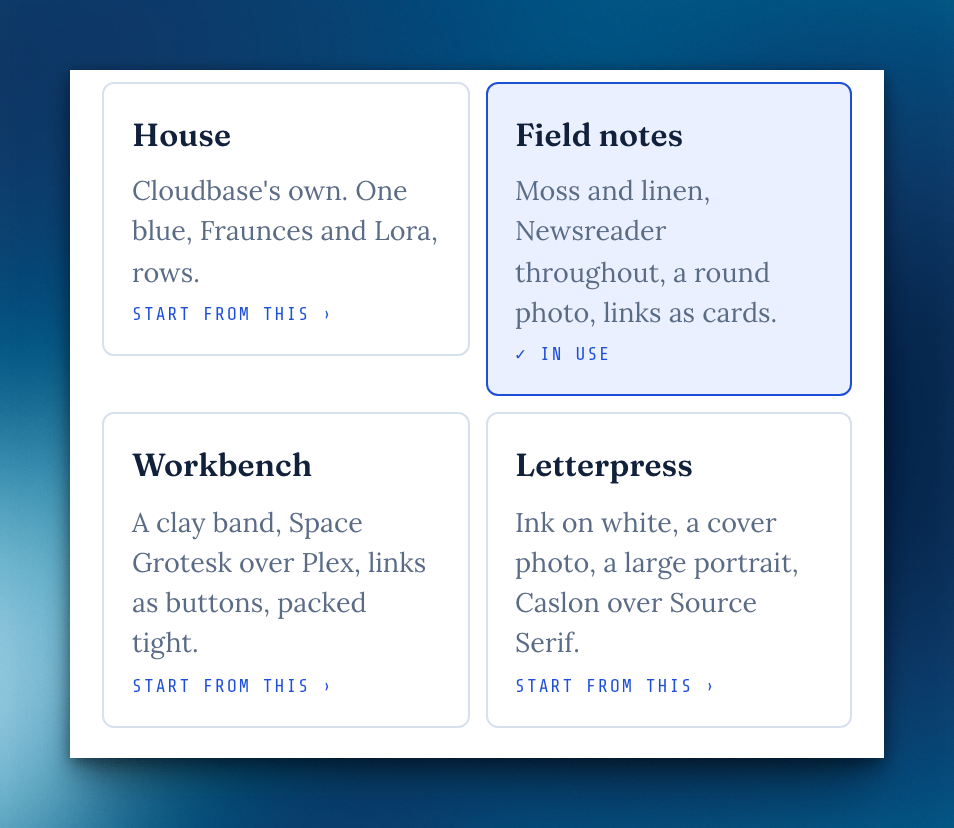
The style you started from stays lit
Pick House, Field notes, Workbench or Letterpress and its tile stays highlighted until you change a dial.
Picking a style
Choosing a style from Look in your Callsign room keeps you there instead of opening Account.
A new handle
Your room shows a changed handle as soon as you close the sheet.
A tall detached note
A long note could push its own header off the top of the window, leaving nothing to grab. The header now always stays on screen, and you can drag the note by its foot too.
Missing something, or found something off? It reaches me directly.
⟩ Write to Aaron