A chat beside your calls
Formation calls grew up. There's now a chat beside the call for links, screenshots and files, you can switch your mic or camera without leaving, a shared screen arrives whole and sharp, and the minutes always tell you they're saved. Meetings also show every meeting now, whatever mode you're in. And for tickets, you can record your screen and send the client a link to watch it.
Chat in a Formation call
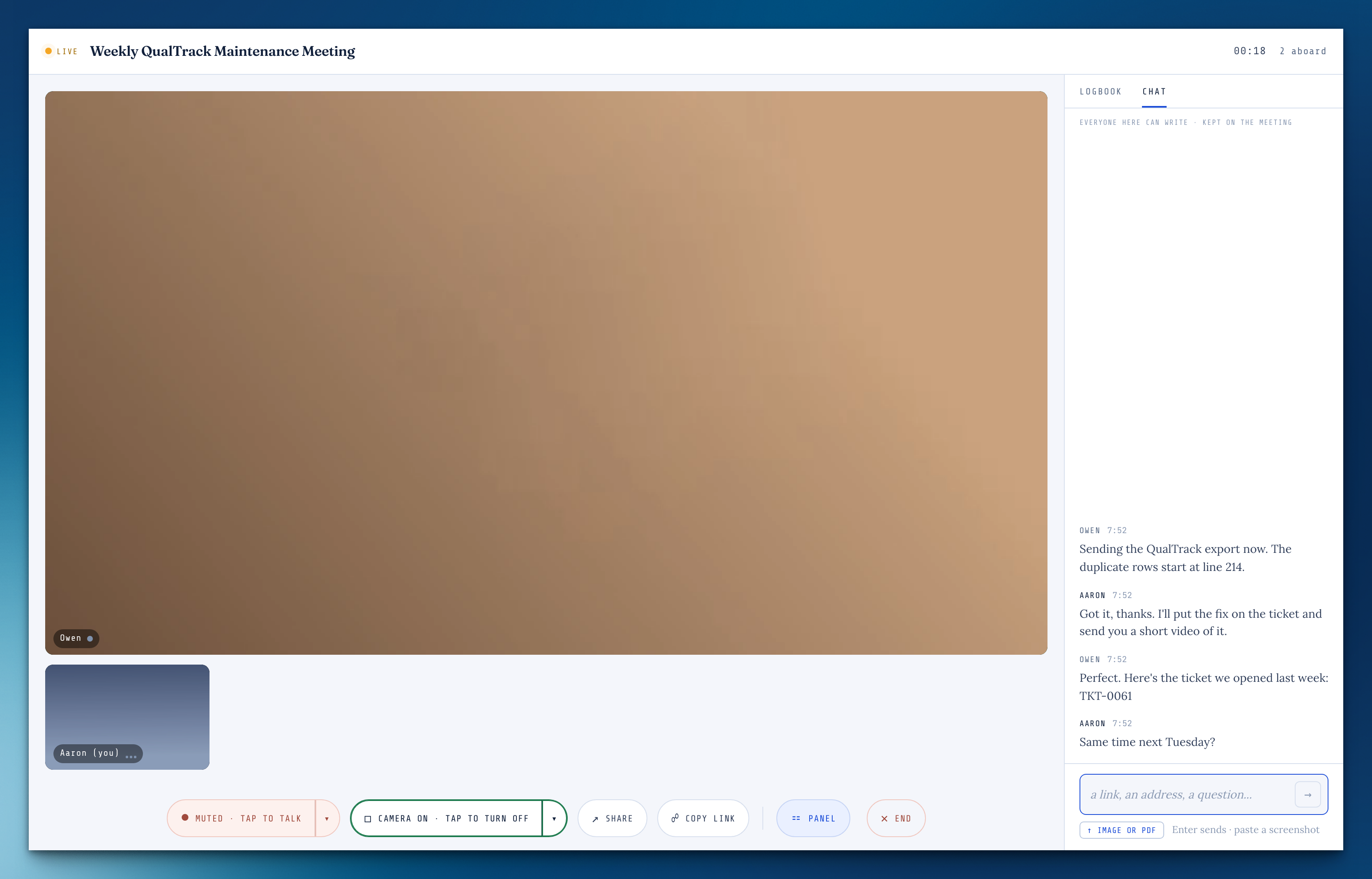
Beside the call, write to everyone, paste or drop a screenshot or a PDF, and share links that open in a new tab. A line worth keeping goes into the minutes with who said it.
From the chat
After the call, the meeting page keeps the chat, and any line can go into the meeting's note. Files from the call show up under Files, saying where they came from.
Switch your mic or camera mid-call
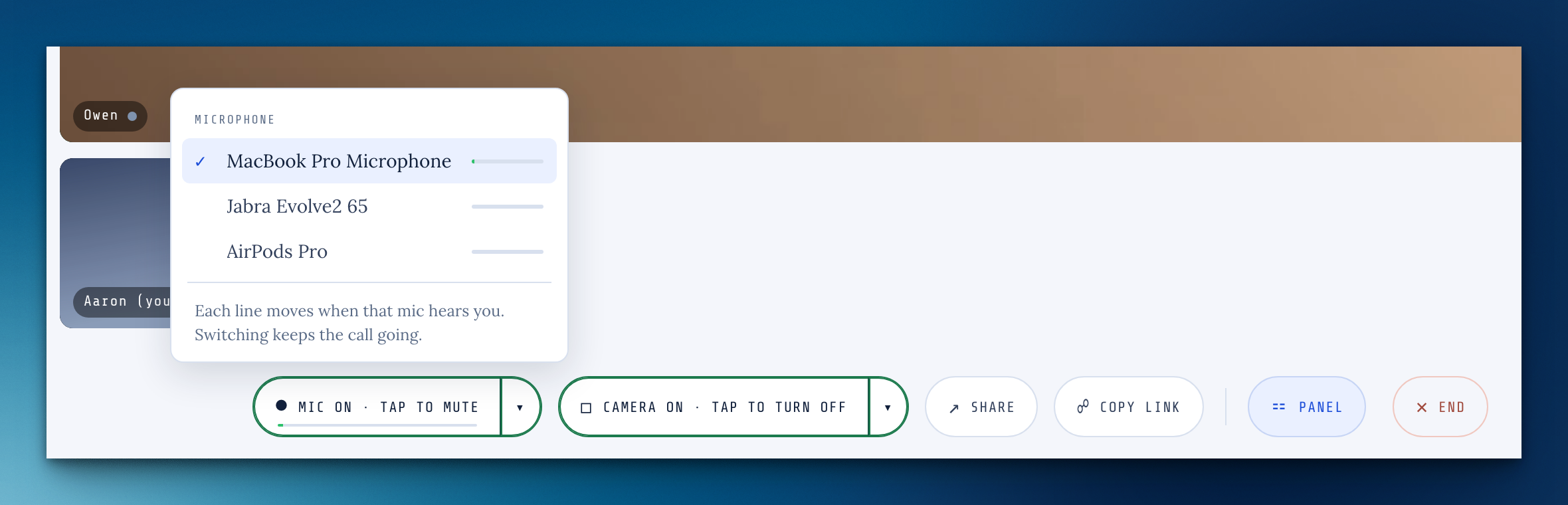
The arrow beside Mic and Camera lists what's plugged in, with a live level for each mic, and switching keeps the call going.
Record your screen on a ticket
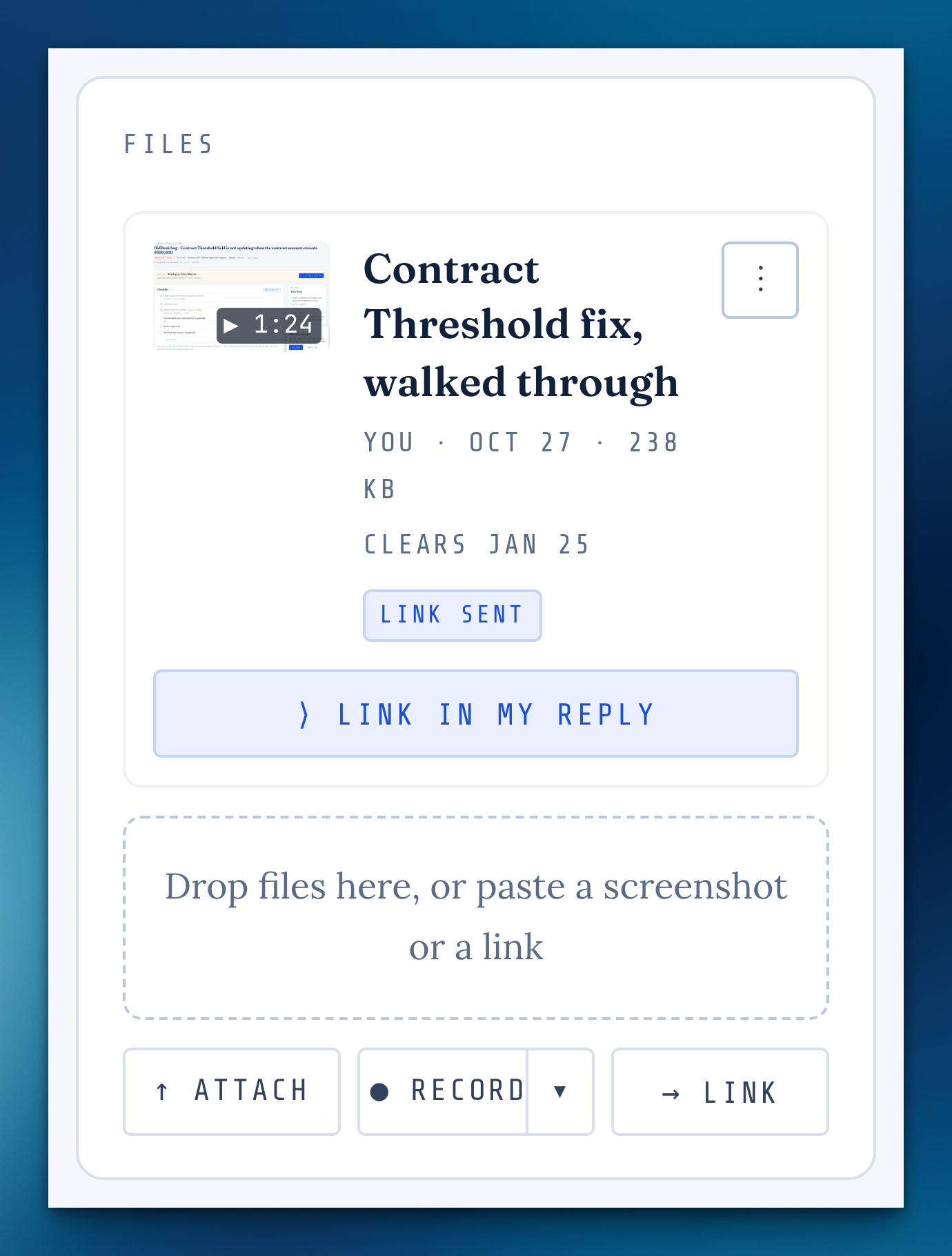
Under Files, press Record, pick a screen, a window or a tab, and talk it through. Watch it back before you keep it, then send the client a link that plays in any browser.
Keep recordings as long as you like
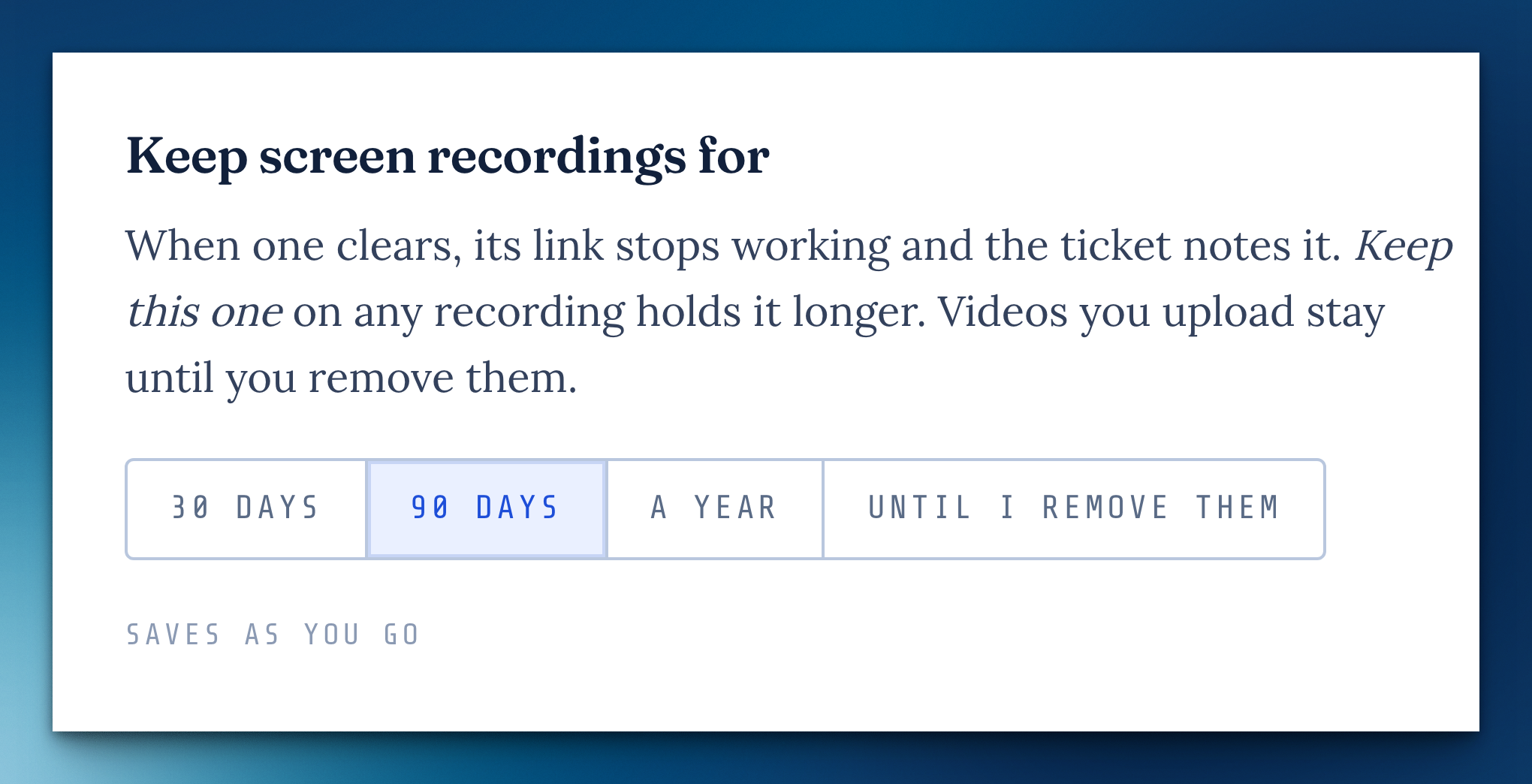
In Ground Control settings, choose how long screen recordings stay: 30 days, 90 days, a year, or until you remove them. Anything due to clear gets a week's notice on the ticket first.
A shared screen, whole and sharp
Everyone sees all of your screen, not a cropped middle, and a screen shared from a background window stays live. Viewers can fill the window with it.
Sharing told plainly
While you share, a band says so and the tab title shows it; the people watching see whose screen it is.
Minutes that say they're saved
Your section of the minutes always shows when it last saved, or that it's trying again, and you can drop images into it.
Nothing coming through?
If you're unmuted and the room hears nothing for a while, it says so and offers another mic. On a weak connection, video pauses to keep the sound clear, and the tile says why.
Formation in light and dark
The room follows your system's light or dark setting, and on a phone it has five keys and a More sheet.
Meetings show everything
The Meetings page, the Cockpit card, Today and the week ahead now list every meeting, whatever mode you're in.
Your customer's page names who wrote each line
On the ticket link a customer sees, each update is labeled with whoever wrote it, not your name on every line.
Let Aaron in reads plainly
The list of what I changed reads like what I did, and if I leave and you don't close the door, it closes itself 15 minutes later.
Minutes kept
What you wrote in a Formation call's minutes is saved to the meeting, even if someone's window drops out.
Long words wrap
A very long link or word in a ticket's thread wraps instead of running off the page.
Missing something, or found something off? It reaches me directly.
⟩ Write to Aaron