Every release, its own page
Release notes for the apps you look after grew up this week. Every release now has a page of its own to share, under a handle that's yours, and your notes can carry pictures, wear the app's own colors pulled from its website, or go quiet with one switch. Search learned to find anything by its number, and you can answer a sorted request without opening it back up. The everyday got calmer too: a clearer account menu, a New project screen that starts with the name, and Plan Today shows what's due.
A link for every release
Each of your apps' releases now has its own public page to share, under your own handle, so your app's name never clashes with someone else's. Older links still work.
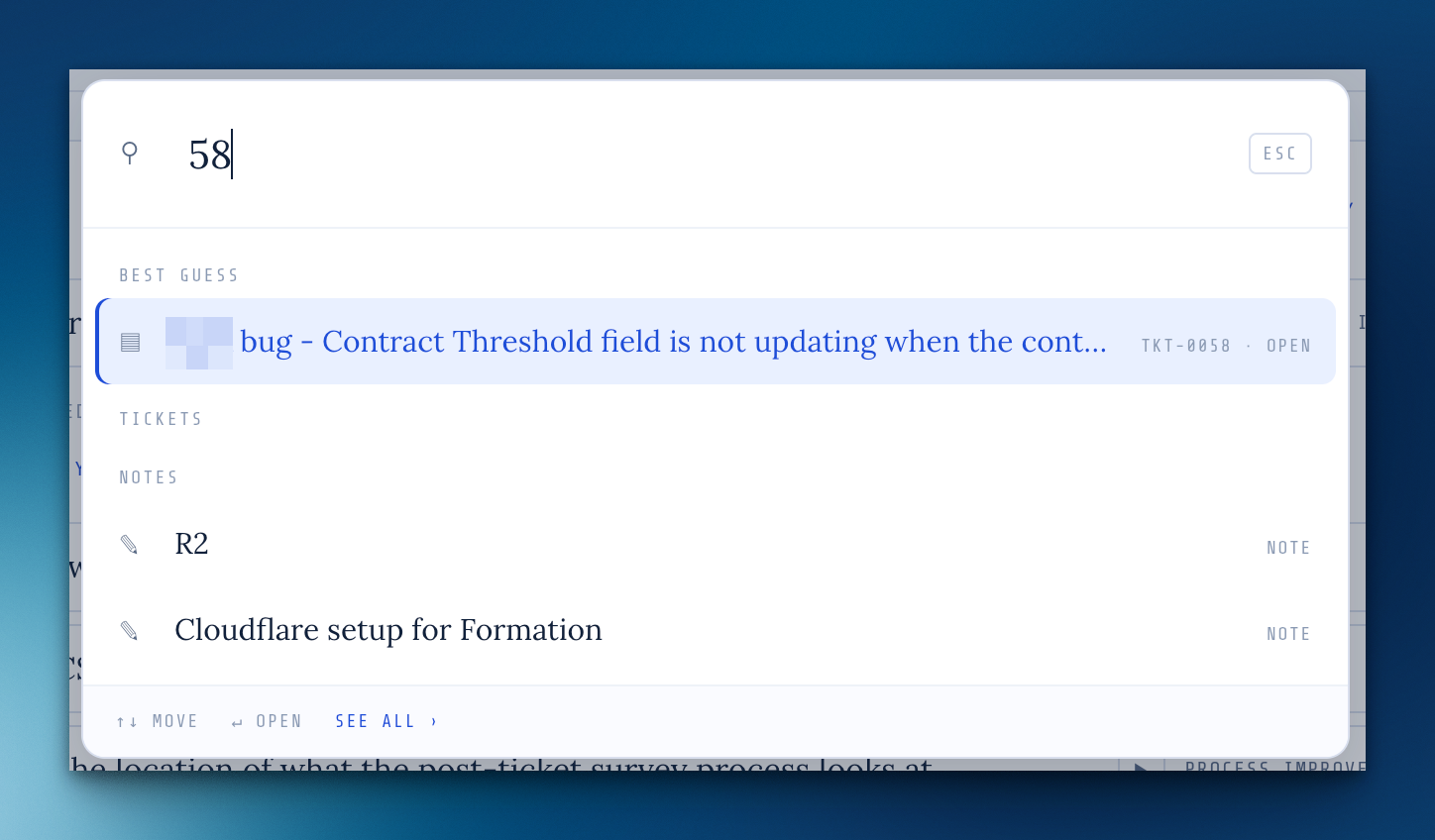
Search finds records by number
Type TKT-58, CHG-7 or just #58 in ⌘K and it comes up first. Search now also reaches changes, airframes, estimates, ticket replies and who asked.
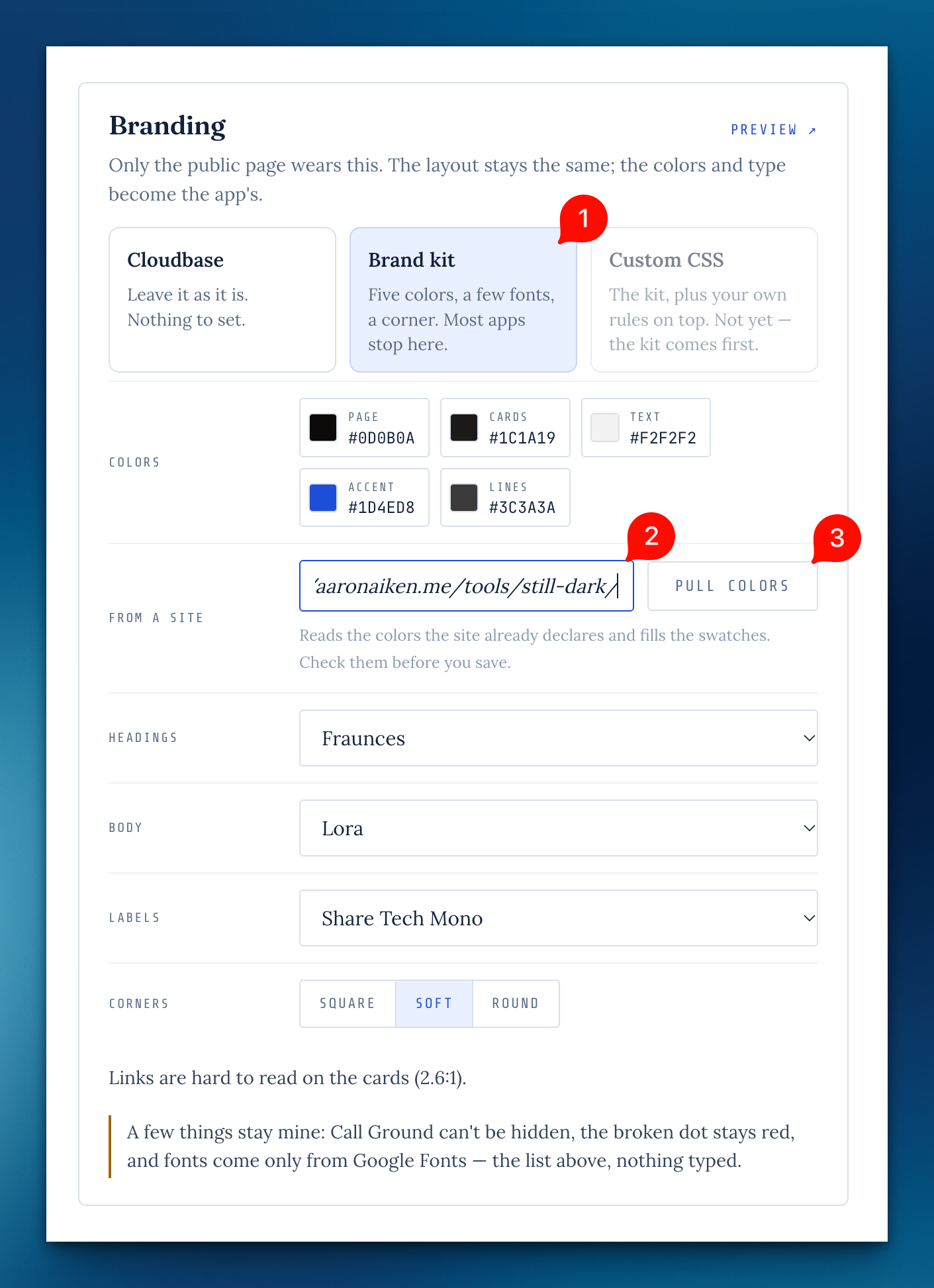
Pull an app's colors from its website
In an airframe's Branding panel, type the app's site and the brand kit fills in the colors it finds, for you to check before saving.
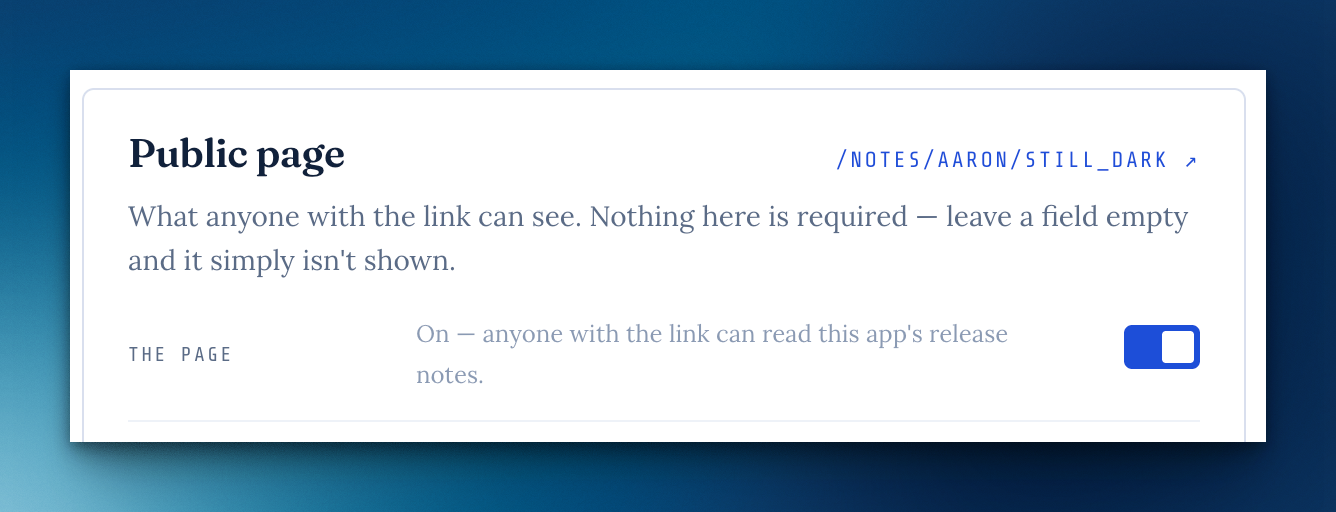
Turn an app's public page off
A switch on an airframe's Public page hides its release notes page until you turn it back on.
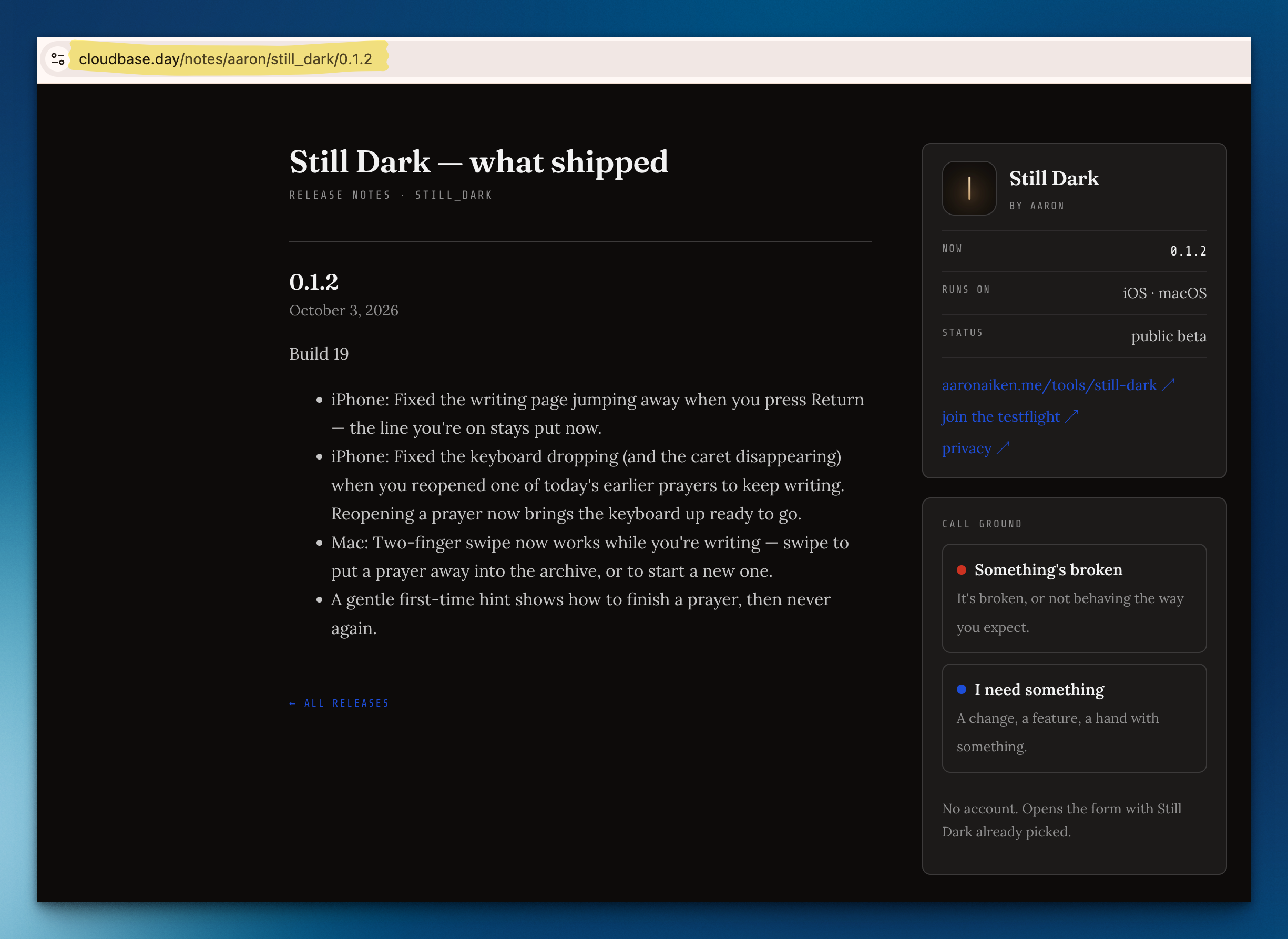
Images in your apps' release notes
Add, paste or drop images into a flight's notes; an image on the first line leads the release on its public page.
A release can point at its notes
A flight can link to release notes that live elsewhere, and the "it's live" email and the request page point there. A Cloudbase flight offers its What I've shipped page in one click.
A clearer account menu
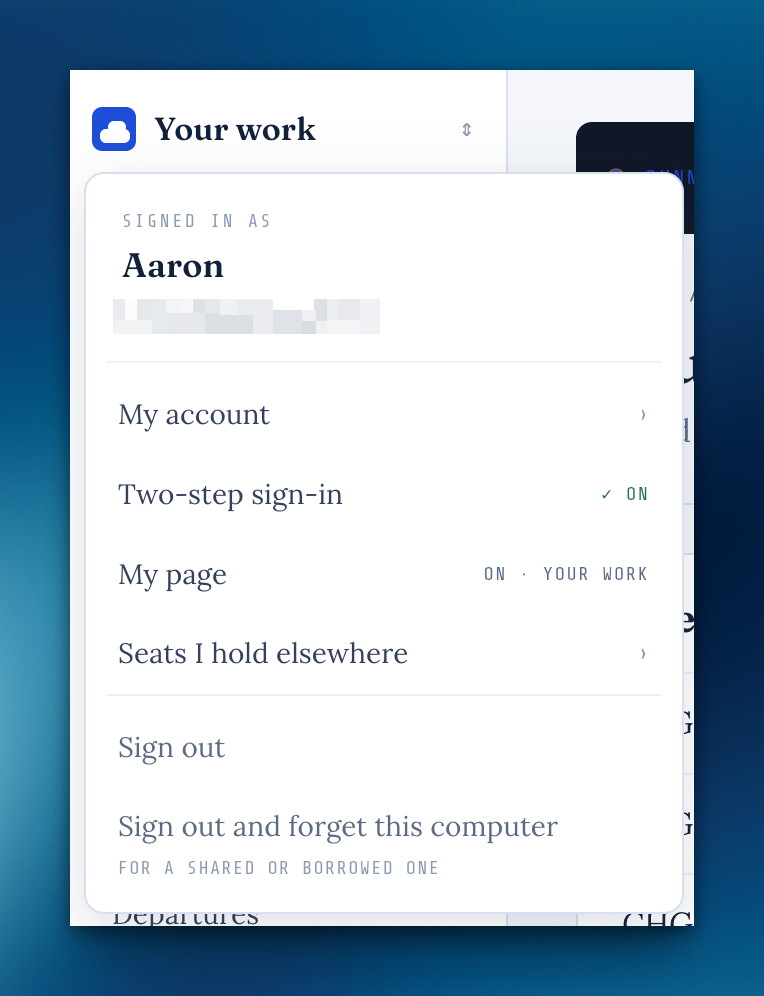
The name at the top of the sidebar now says who you're signed in as, keeps My account, two-step sign-in and My page in one place, and offers two plain ways to sign out. If a timer is still running or something hasn't saved, it tells you before you go.
A calmer New project
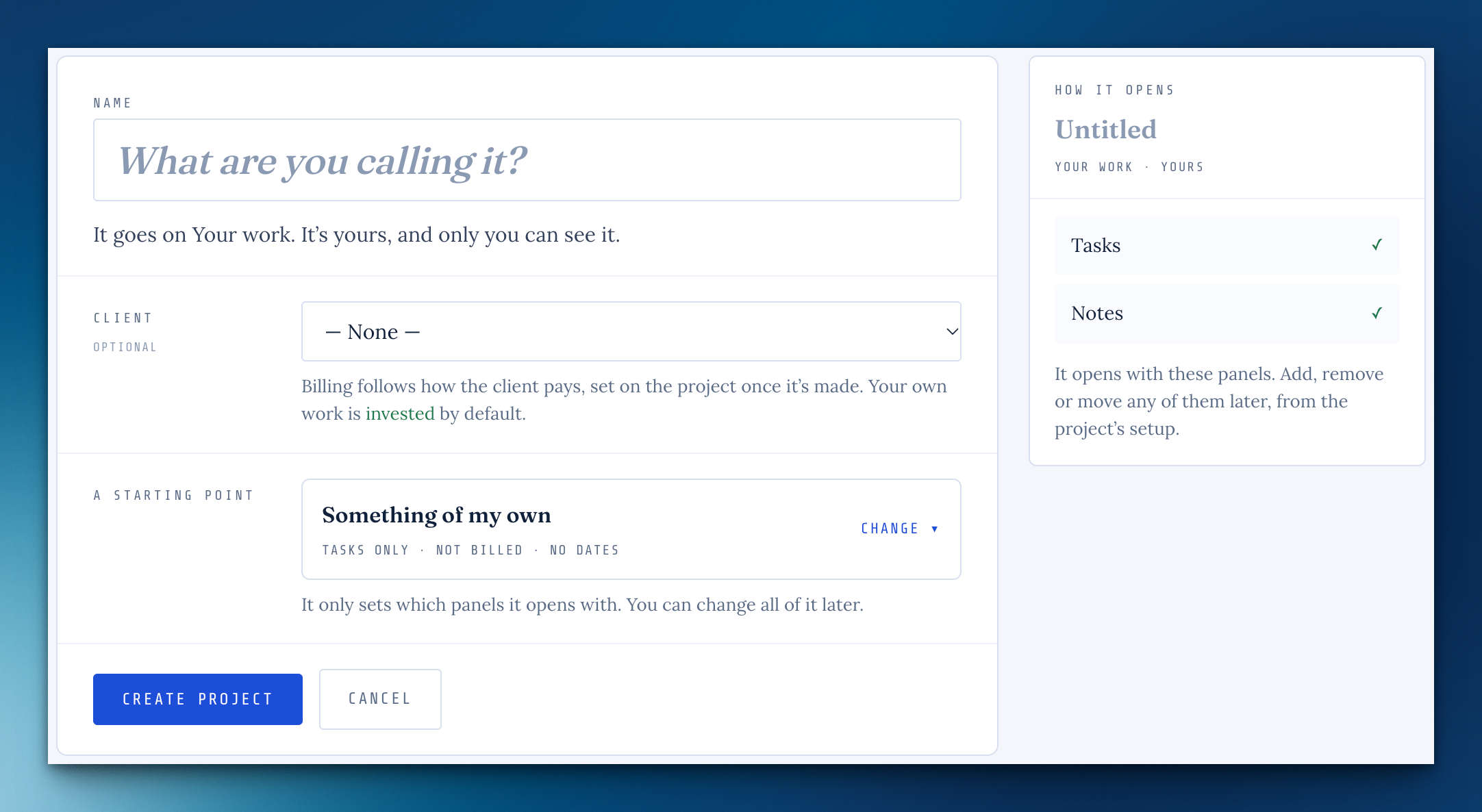
The name comes first, everything else is a line below it, and a card beside it shows how the project will open. The starting points fold away behind a sensible default, and + New project opens right where you are.
Planning shows what's due today
On Plan Today, a task due today, or one whose date has passed, leads its group with a small tag instead of blending into the pile.
Pick something you're waiting on
Under "waiting on somebody else" on Plan Today, ☆ Pick puts the check-in on your day, next to Nudge.
The Terms, on seats
One addition: when you have a seat on someone else's workspace, what you make there belongs to their workspace. Your loose notes and music stay yours. You'll see it once, with a Got it.
Cloudbase asks your name
Signing up now asks what to call you, instead of borrowing your email handle. If your account still goes by its handle, a line at the top asks once.
Reply to a sorted request without reopening it
On a sorted ticket, Reply · stays sorted is now the default: they get your message and the request stays done. Reply & reopen is still there when it isn't.
+ Add a task does somethingFrom beta feedback
On a project, the button (or the T key) takes you to the add box with the cursor in it and a brief highlight, instead of seeming to do nothing when the task list was already on screen. With phases, it goes to the phase you last added to.
A long reply no longer jumps you back to its end
Scrolling up through a long reply you're writing stays where you put it.
Screenshots in release notes keep their shape
They show whole at their own size instead of being cropped into a wide frame.
The "has a date" email lists everything of yours
If more of your changes join a dated release, the update lists all of them, not just the newest.
A flight counts people, not requests
One person waiting on three requests reads as one person waiting.
No "Heading back?" after a round trip
On the phone, a trip that ends where it started no longer offers you the way back.
Missing something, or found something off? It reaches me directly.
⟩ Write to Aaron