Your own corner of a shared workspace
With a seat on someone else's workspace, you now have your own Inbox, notebook and links right there, private to you until you attach them to a project. You can file what you catch into the projects you're on, search keeps everyone's loose notes to themselves, and a seat that ends tells you where you stand.
Your own corner of a shared workspace
With a seat on someone's workspace, your Inbox, notebook and links sit in your sidebar there, private to you until you attach something to a project.
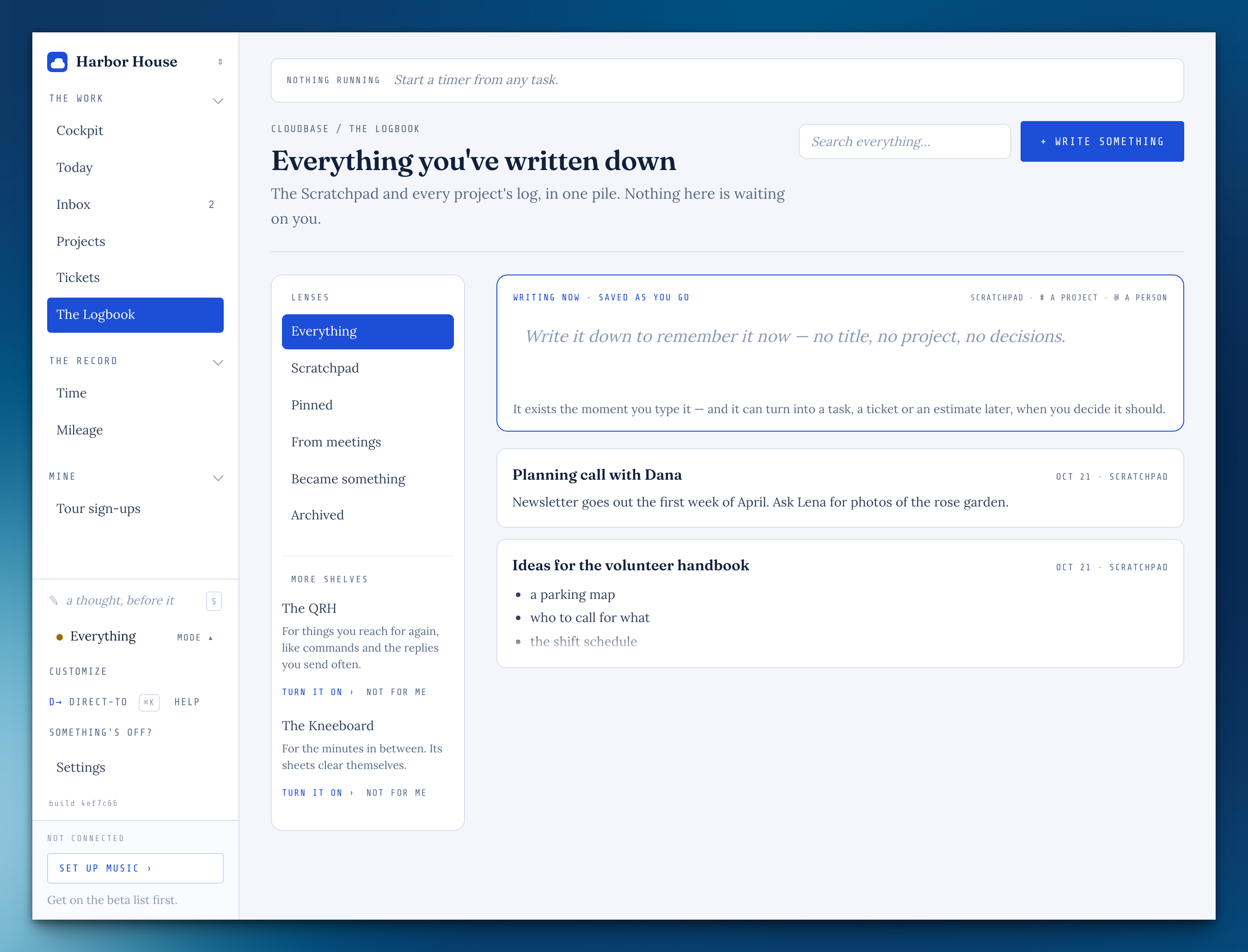
Your Inbox is yours
What someone with a seat on your workspace quick-adds goes to their Inbox, not yours, until they file it under a project.
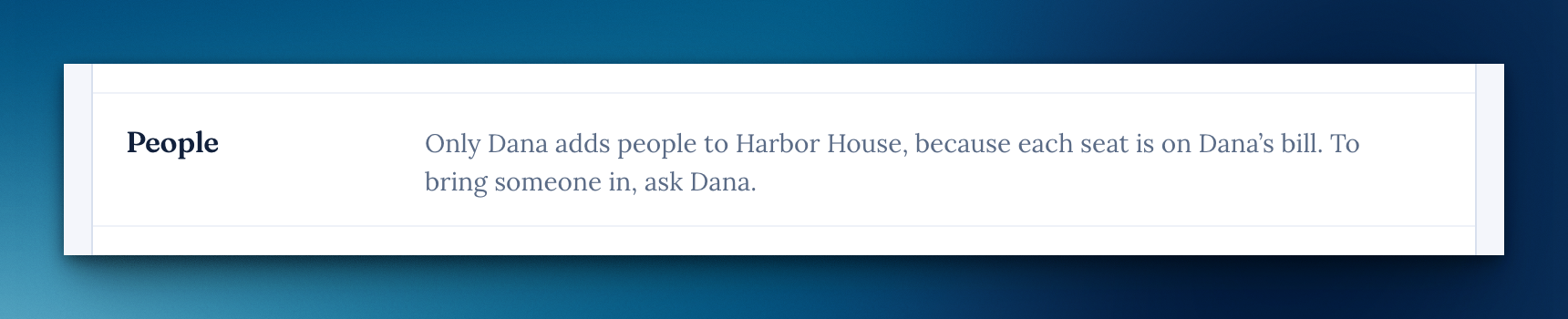
Adding people, when it isn't your workspace
With a seat on someone else's workspace, Settings says plainly that only the owner adds people, because each seat is on their bill.
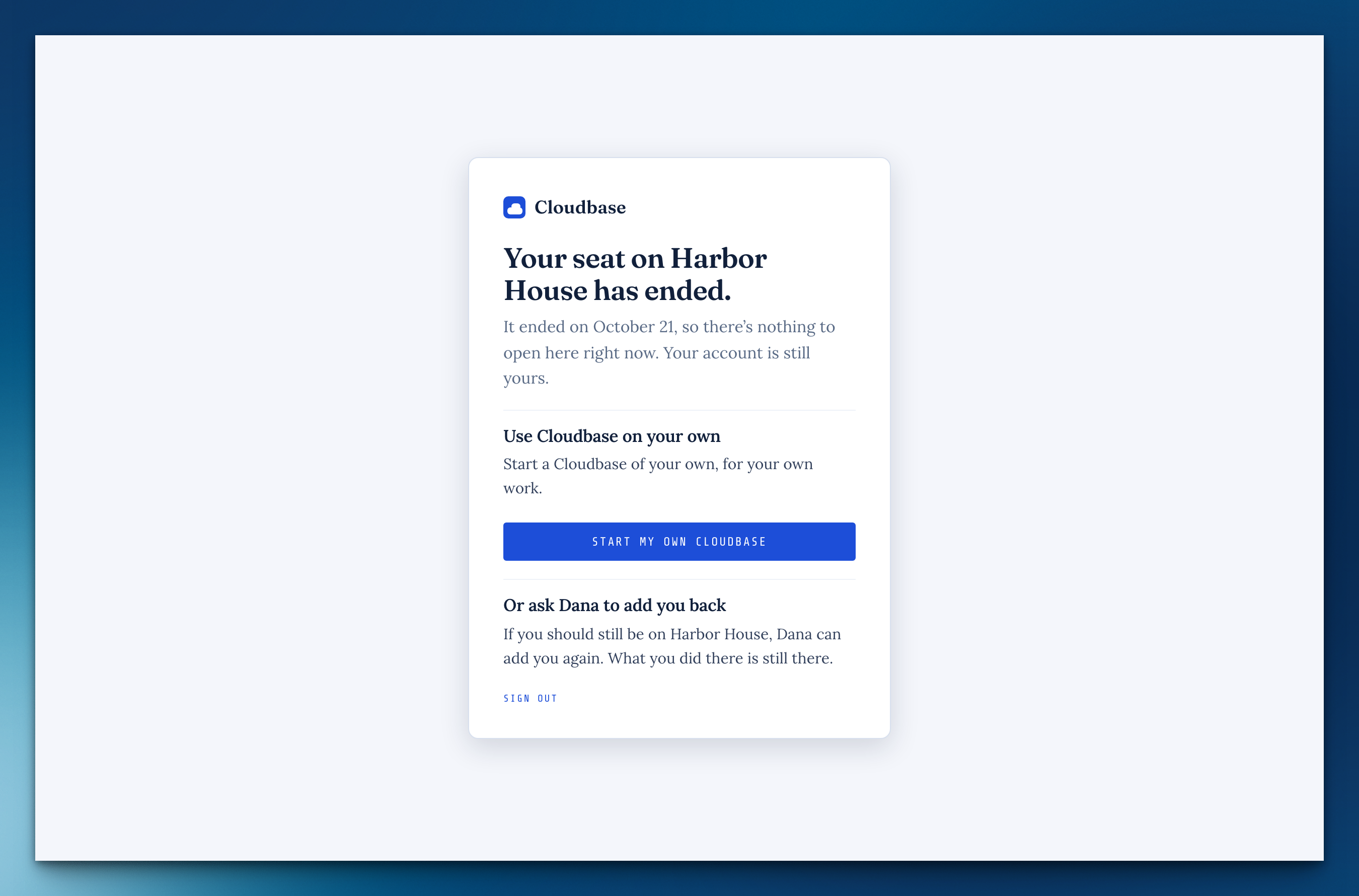
When your seat ends
If your only seat ends, signing in tells you which one and lets you start a Cloudbase of your own or ask the owner to add you back.
Paste a list with its details
In a project's add box, lines indented under a task become that task's notes, kept as written.
Free time sits where you'd fill it
In Parts, the free time before something reads "54m free — drag one here." right where you'd drag it, and a part with a length works just like a meeting.
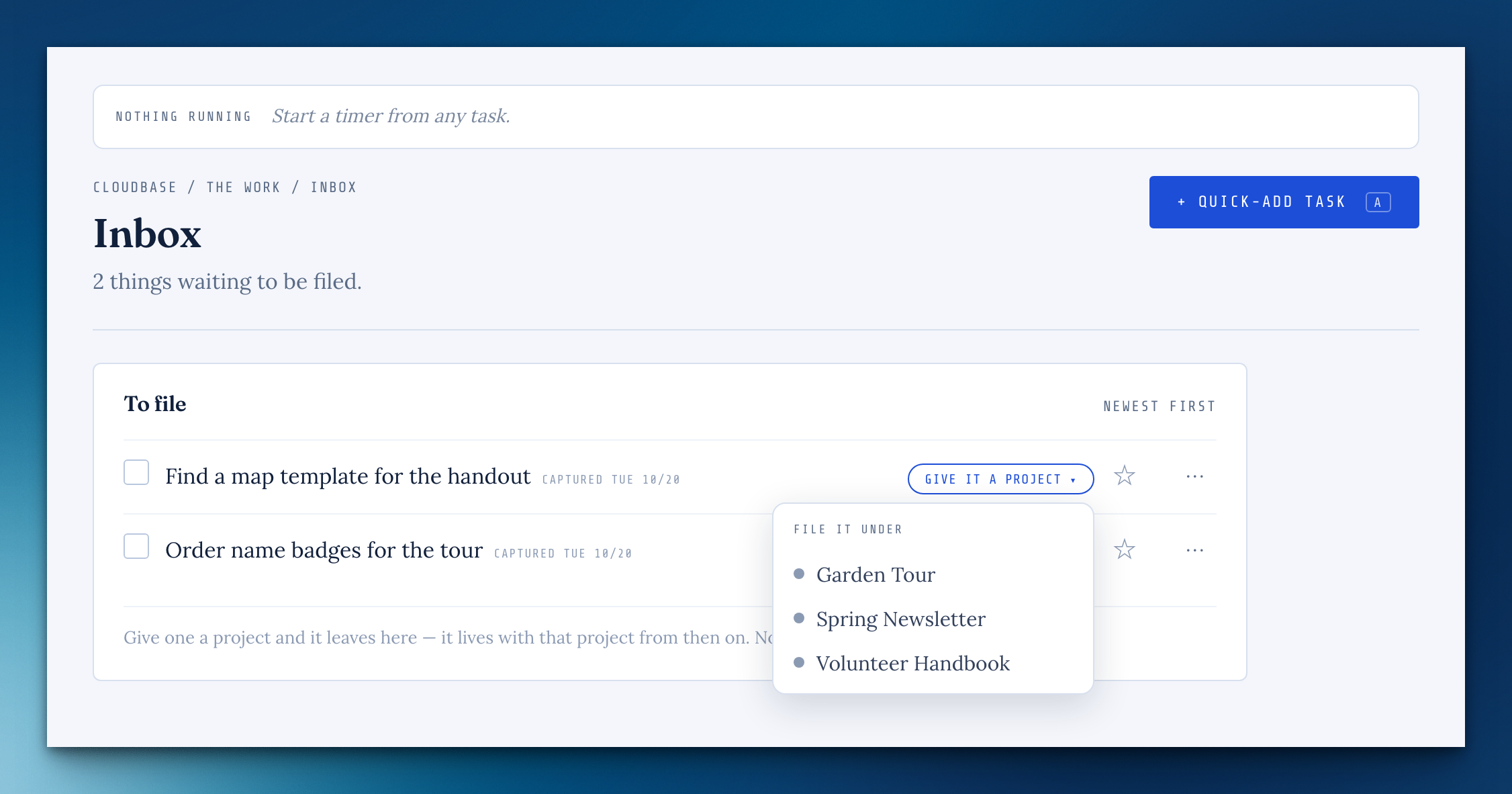
File an Inbox task into a project shared with youFrom beta feedback
"Give it a project" now lists the projects shared with you, and filing moves the task and its notes there.
Search keeps loose notes private
Search no longer shows anyone else's loose notes or tasks in a shared workspace; a note shows for others once it's on a project they can see.
Switching modes from Direct-to switches everything
The sidebar and the warmer paper now follow a mode however you switch to it.
The passkey button never waits forever
After your computer sleeps, a stalled passkey unlock gives up after 30 seconds and offers your password.### Changed
Missing something, or found something off? It reaches me directly.
⟩ Write to Aaron